
16:9 · 1080p
I Built a Viral Channel in 10 Minutes
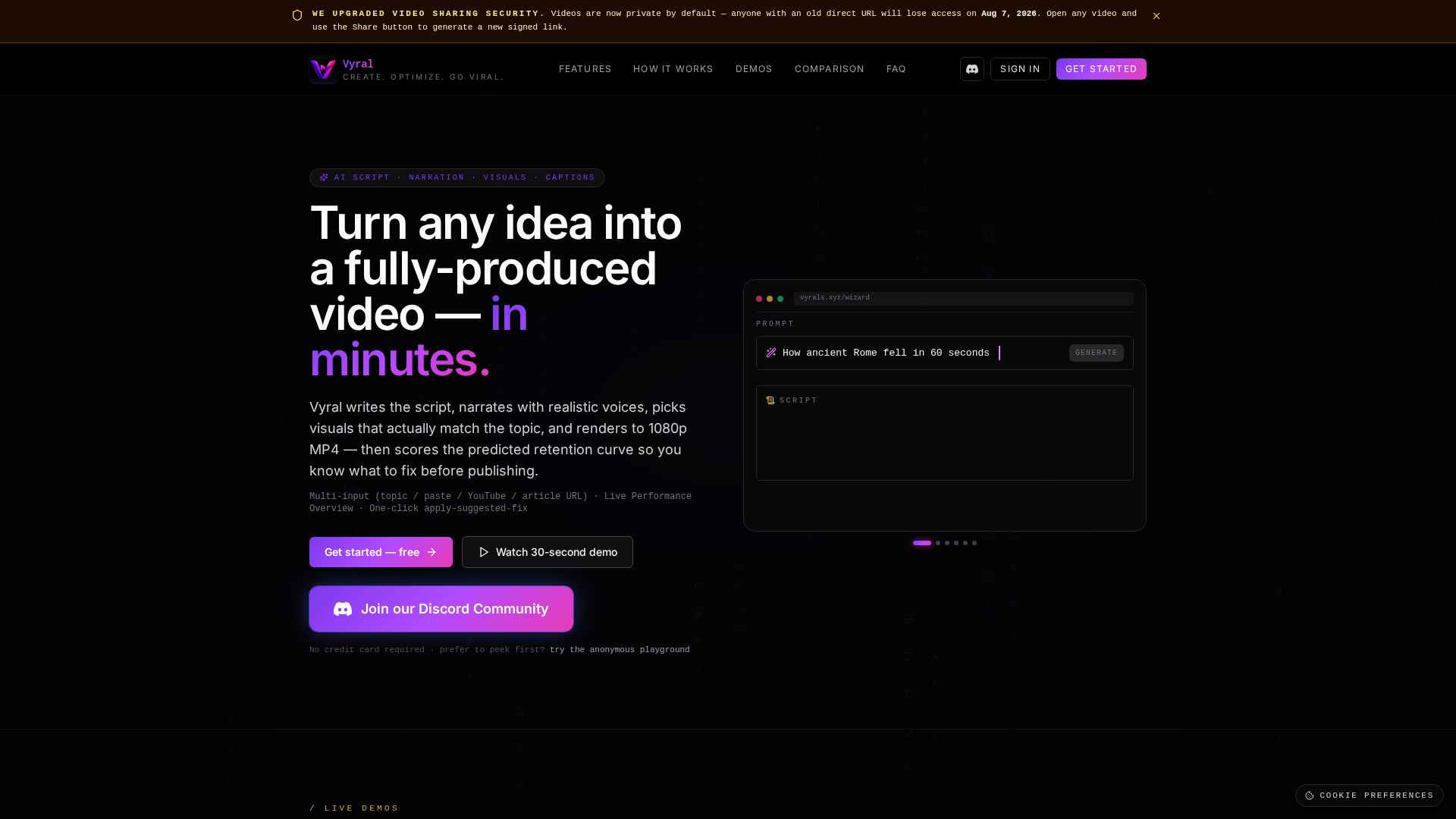
Tech-explainer DNA, punchy edits, neon palette. Type one line — Vyral writes the channel name, ten video ideas, scripts, thumbnails, and voiceovers.
Vyral writes the script, narrates with realistic voices, picks visuals that actually match the topic, and renders to 1080p MP4 — then scores the predicted retention curve so you know what to fix before publishing.
Multi-input (topic / paste / YouTube / article URL) · Live Performance Overview · One-click apply-suggested-fix
No credit card required · prefer to peek first? try the anonymous playground
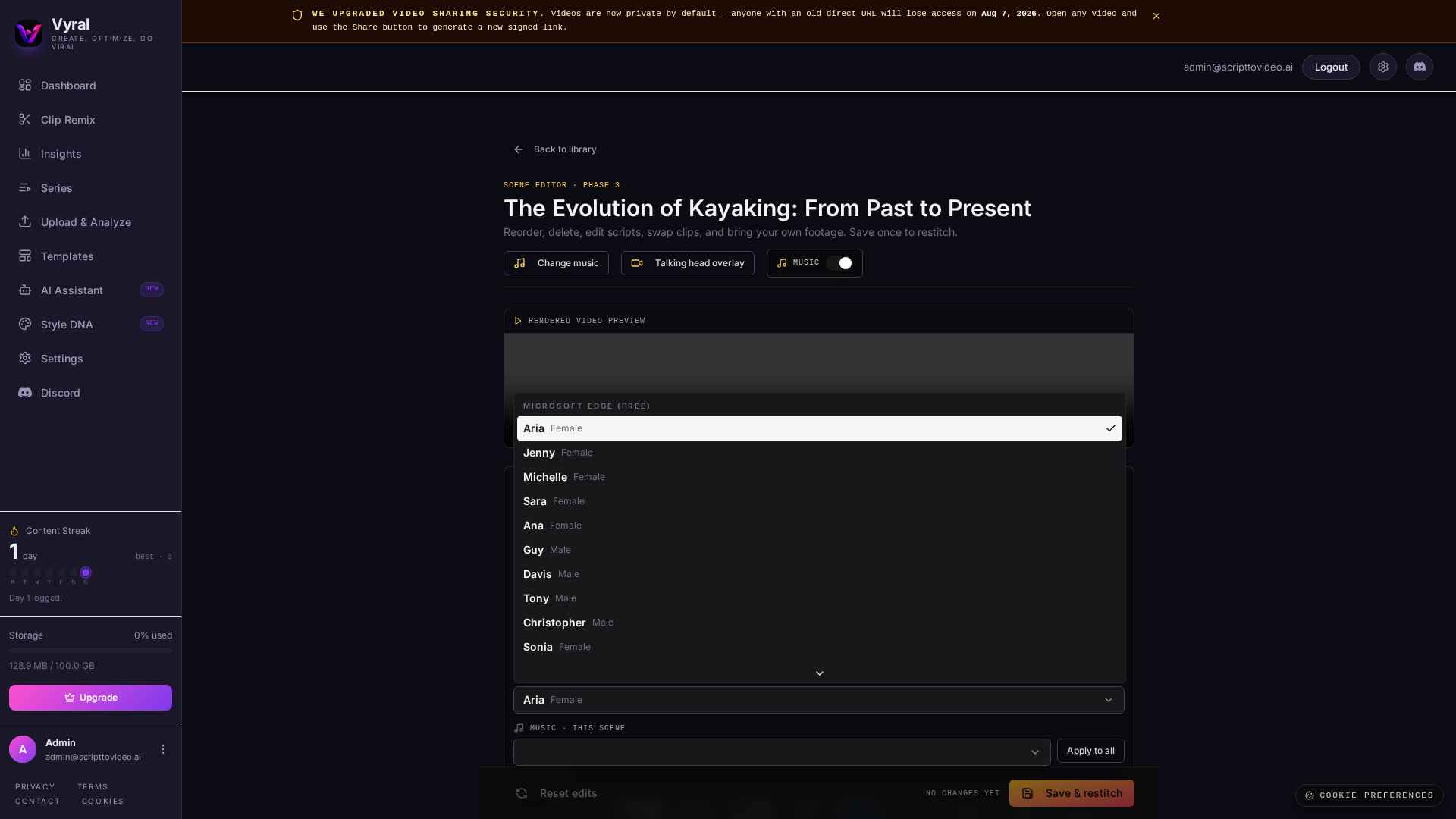
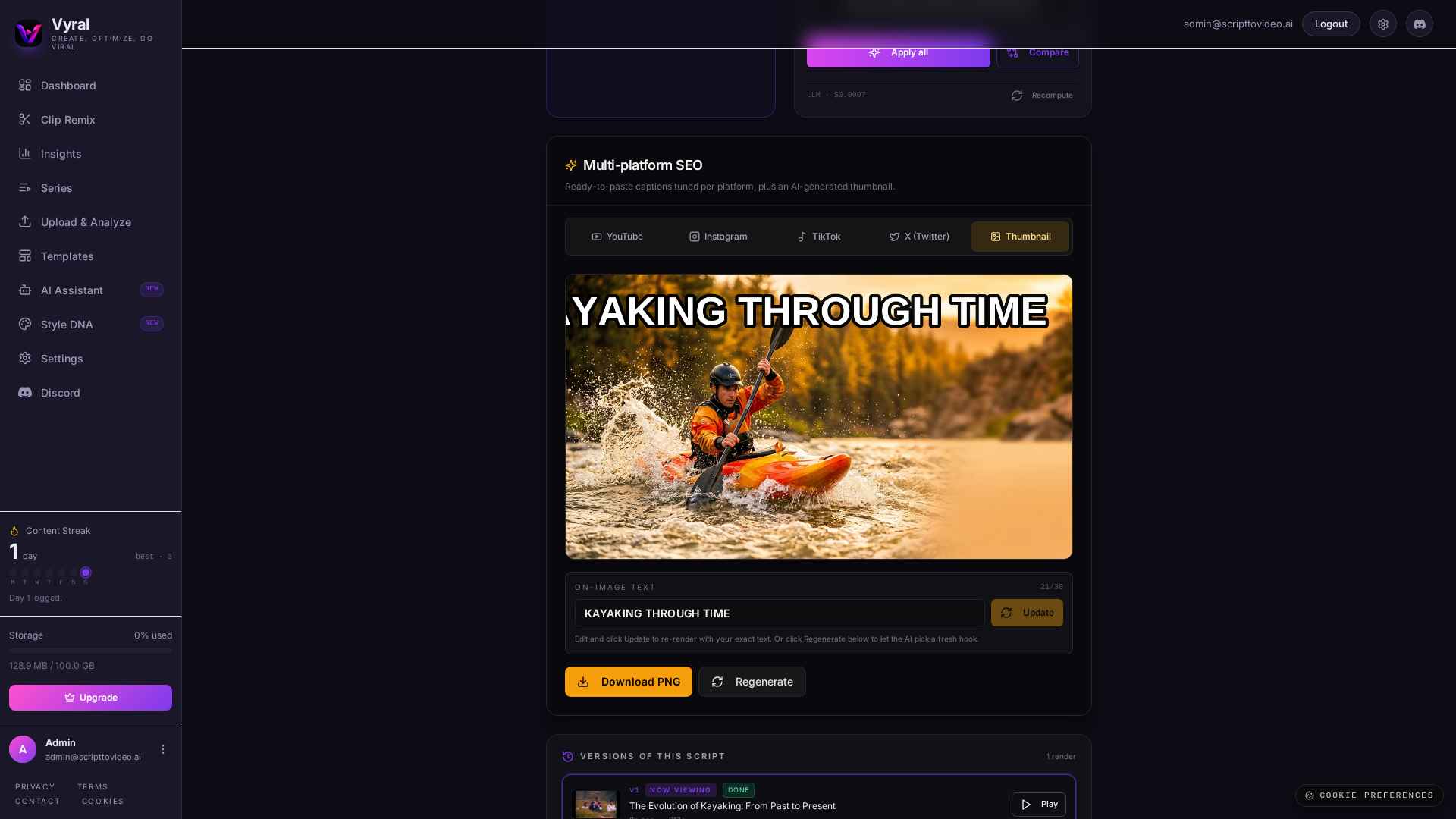
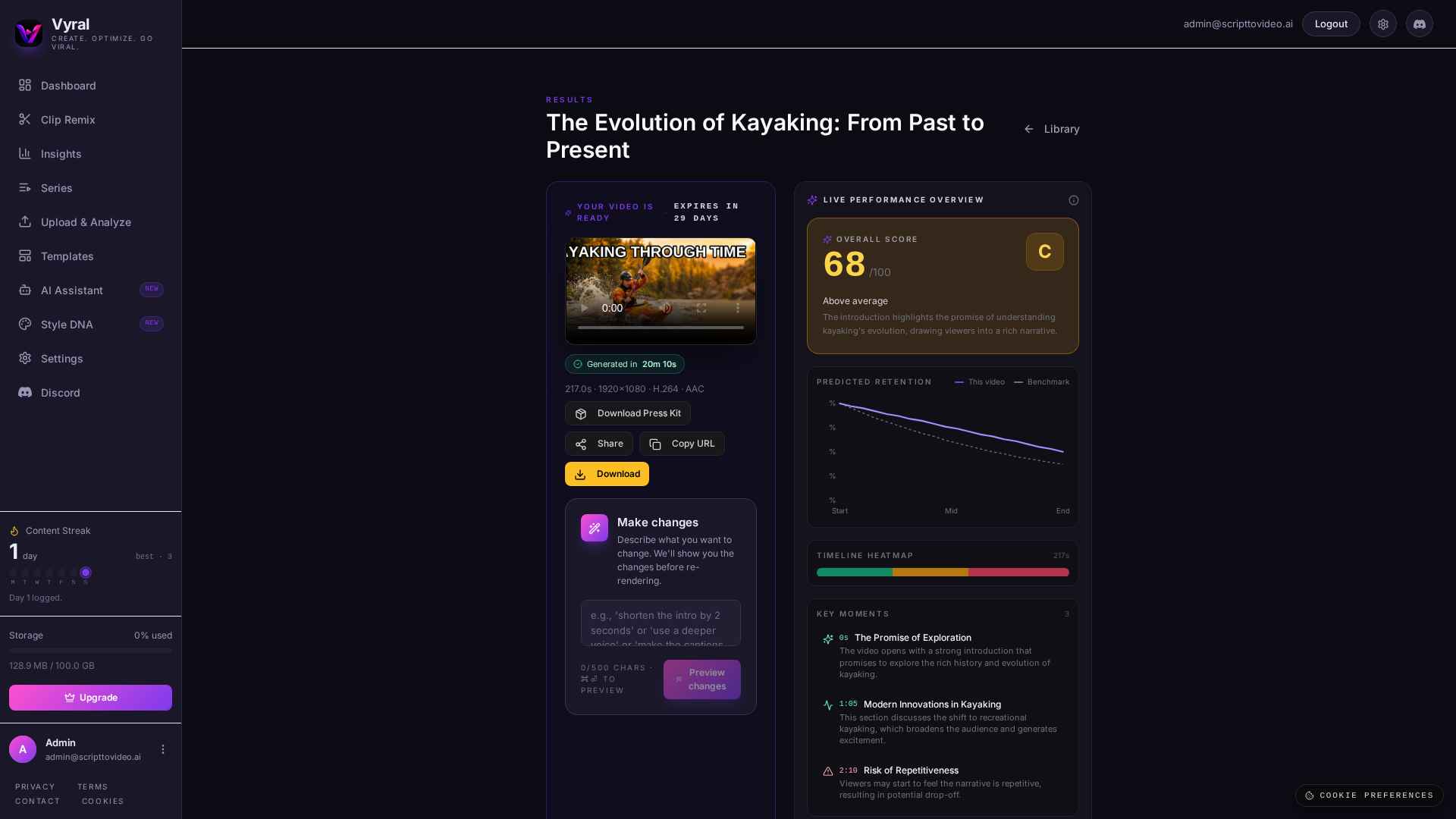
Stage 1 of 7: Landing
Every clip below was produced by the same pipeline you'll use after sign-up — same scripting LLM, same TTS voice, same visual matcher, same caption renderer. Click a card to play.
Tech-explainer DNA, punchy edits, neon palette. Type one line — Vyral writes the channel name, ten video ideas, scripts, thumbnails, and voiceovers.
Documentary-calm DNA, measured cadence. Drop any video in and Vyral dissects pacing, hook timing, and rhythm — then generates new scripts in the same DNA.
Fitness-kinetic DNA, high-BPM cuts. One script becomes fifty variations across hooks, pacing, tones, and platform-shaped cuts — TikTok, Shorts, MrBeast-style, all at once.
Most AI-video tools do one of these things well. Vyral does all of them in a single render brief, then scores the result so the next pass is sharper.
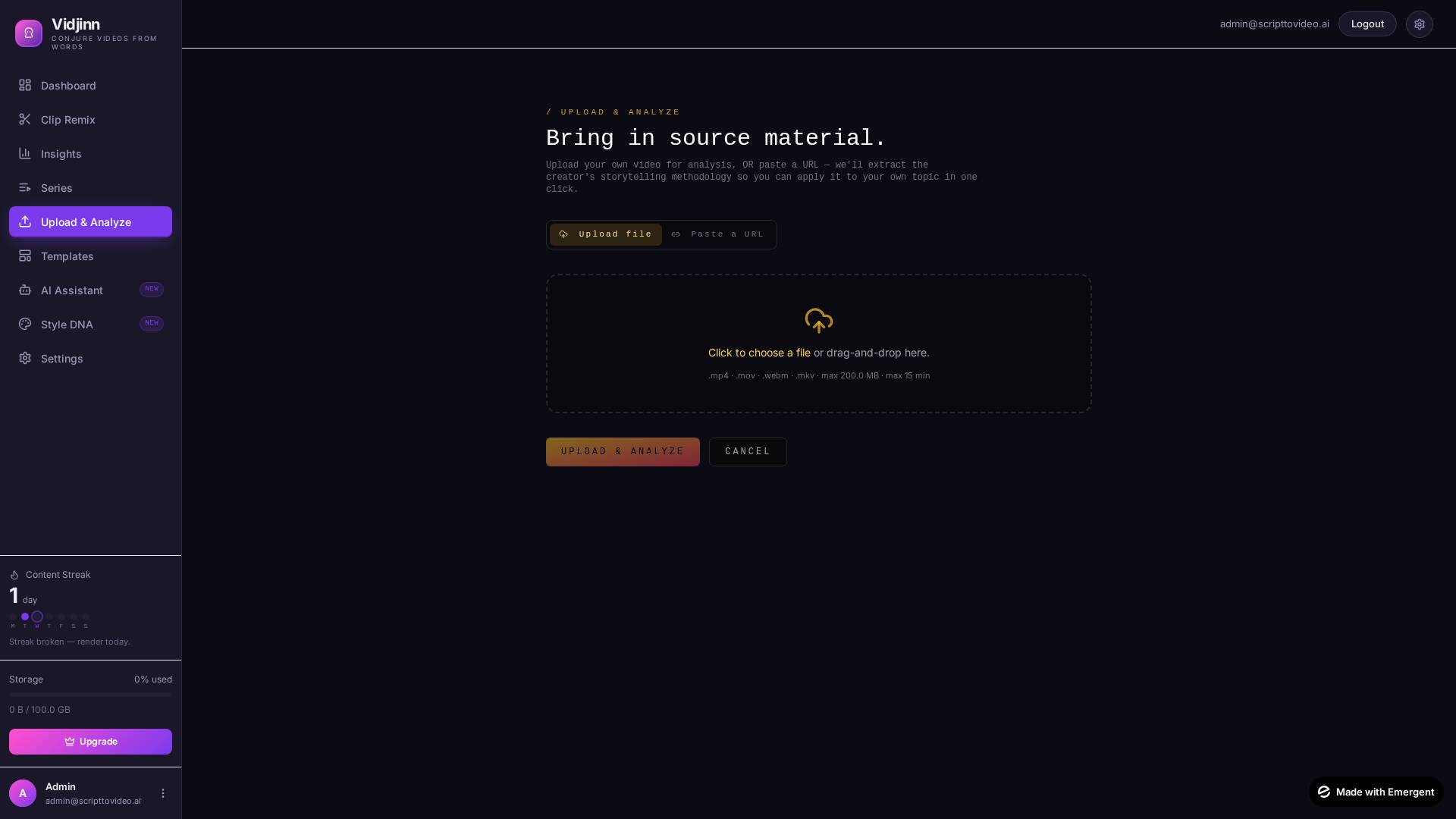
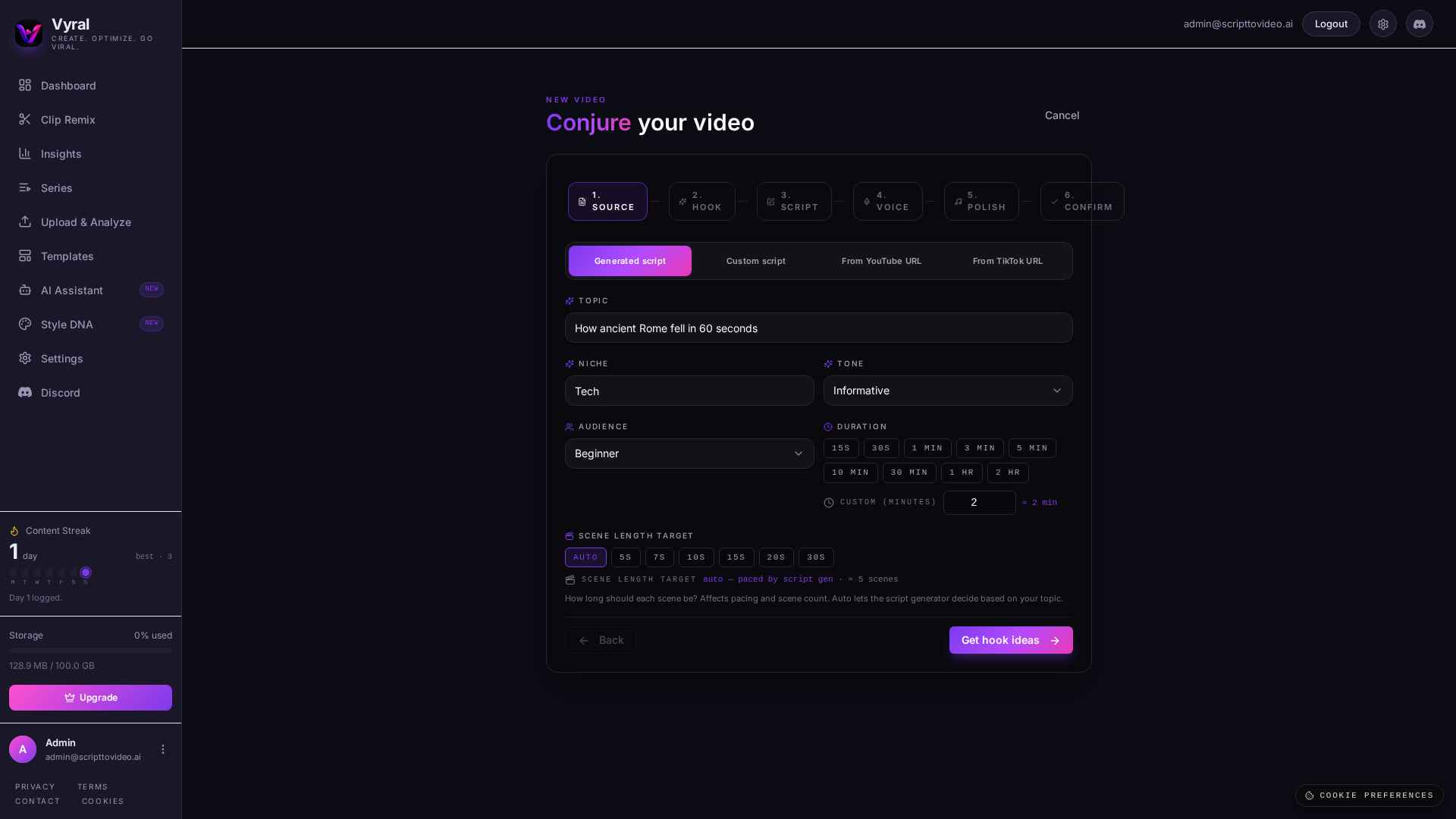
Type a topic. Paste your own raw script. Feed in a YouTube link to re-script the transcript. Or paste an article URL — Vyral pulls the hook structure, pacing, and topical anchors and applies them to YOUR new topic. Same wizard, four front doors.
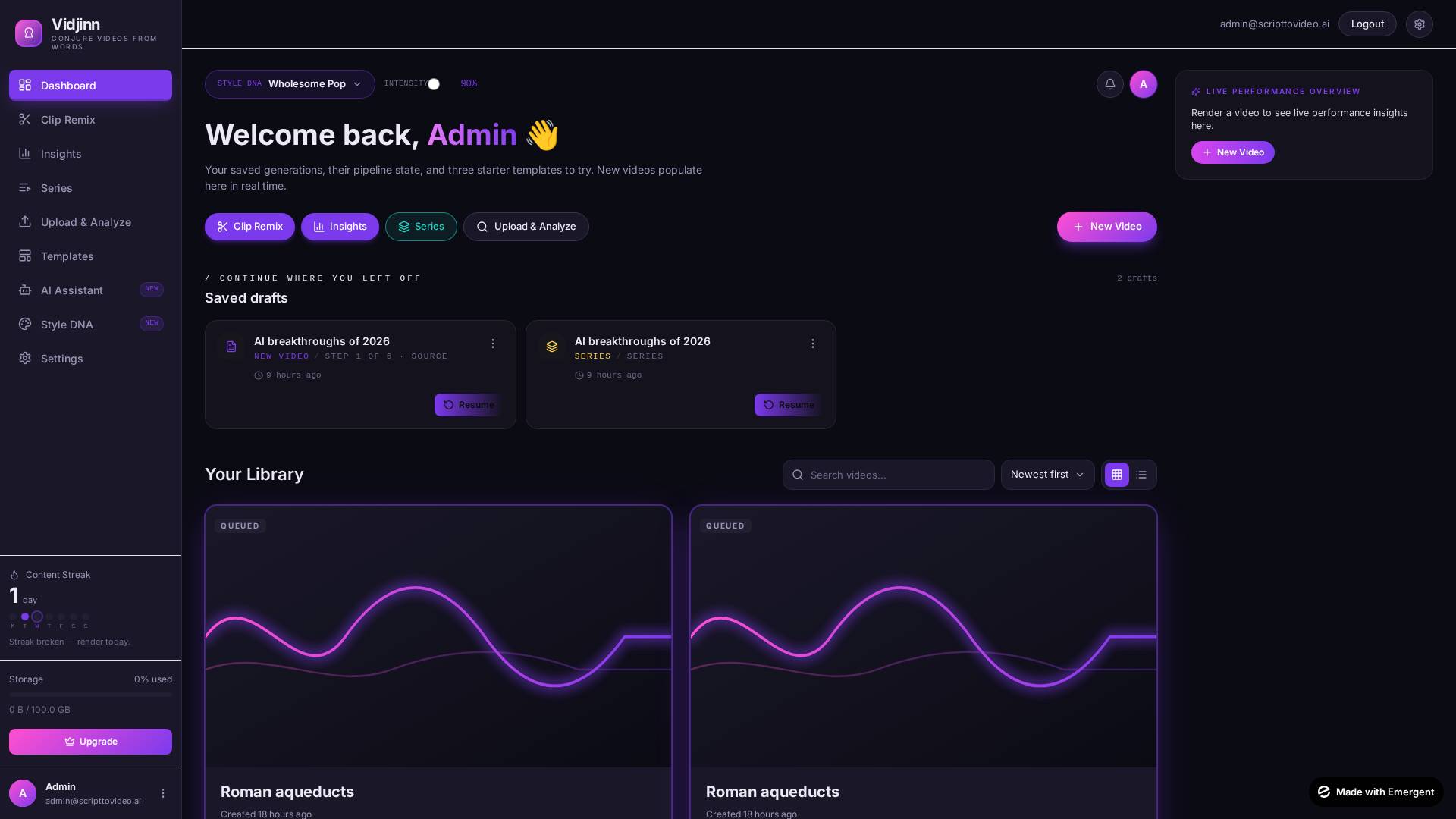
Every render gets a 20-point retention curve, hook strength score, and a heatmap of attention drop-offs — calibrated against your library and your niche. The actionable insights that surface aren't generic copy; each one ships with a one-click apply that previews the diff and re-renders only what changed.
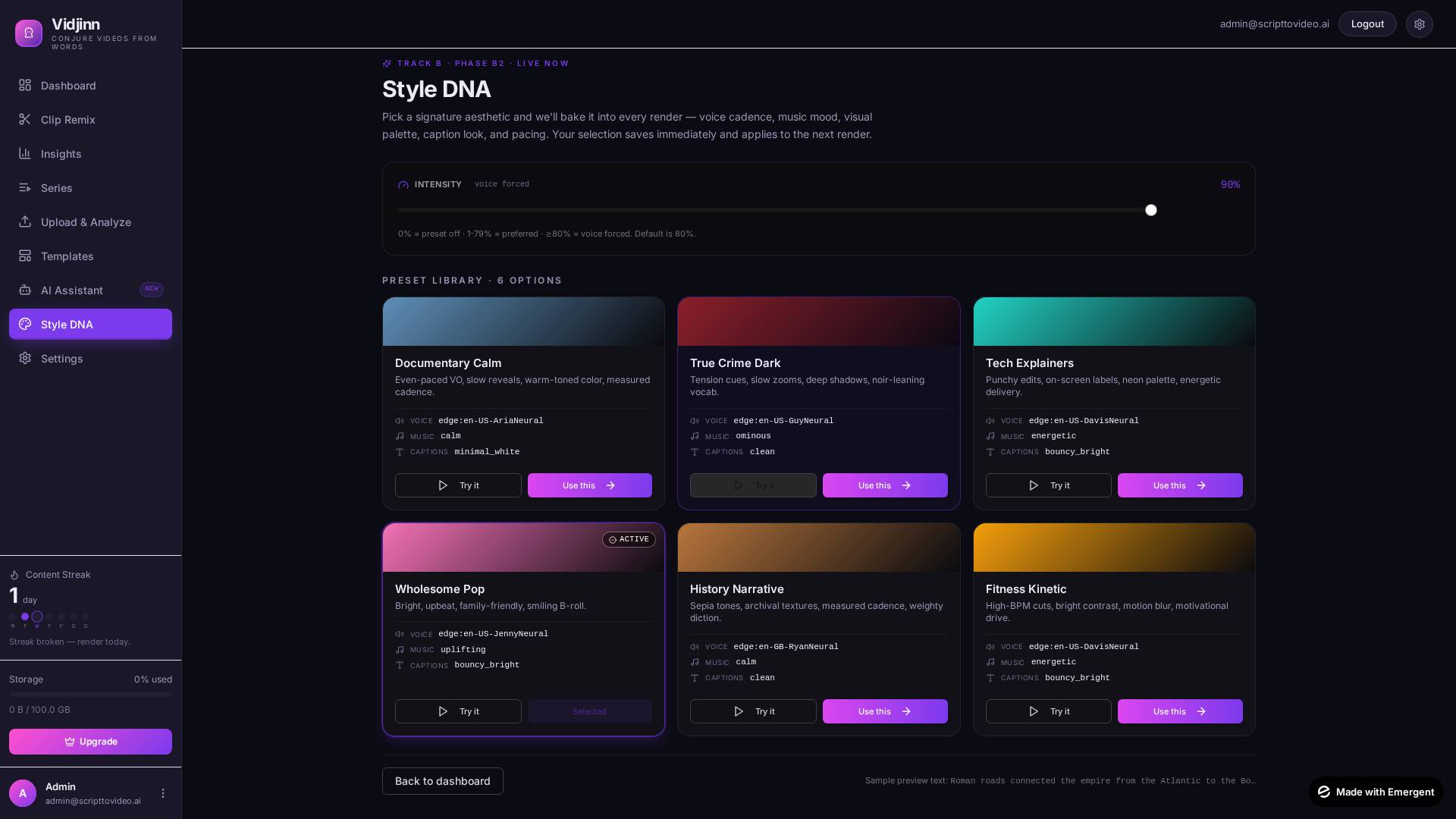
Six genre-tuned Style DNA presets — Wholesome Pop, True Crime Dark, Tech Explainers, Documentary Calm, Cinematic Trailer, Minimalist Indie — each ships an intensity slider, multi-track tone-matched music with auto-segmentation + crossfades + voice ducking, and per-word karaoke captions you can fully customise.
Series Creator turns a single brief into an N-episode outline that shares your DNA + voice across all of it. Compare mode overlays two renders' retention curves and ships a verdict banner with the params diff — no spreadsheet required. The AI Assistant is a 14-tool agent that lists, renders, applies, and compares without leaving chat.
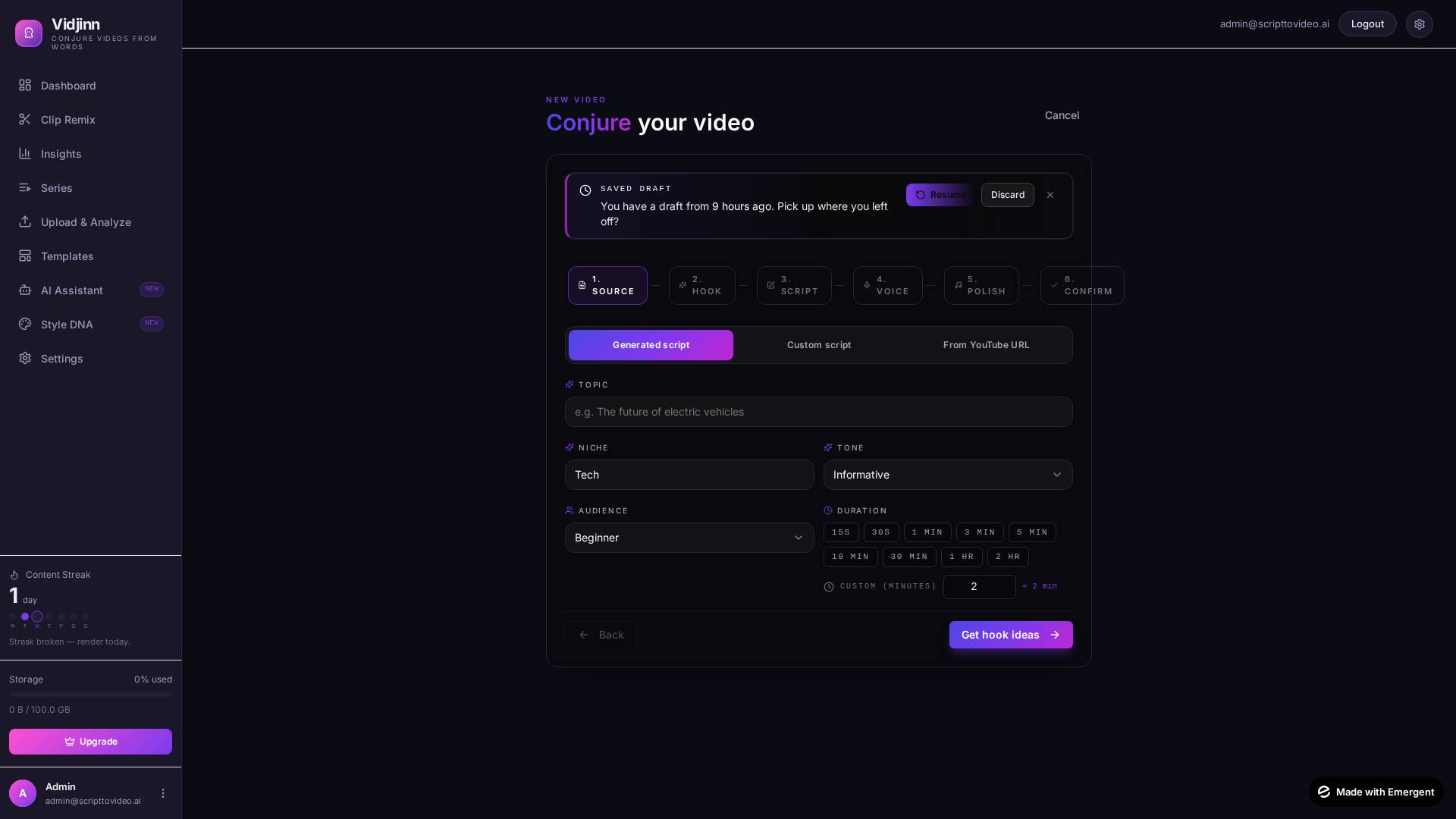
Topic, raw script, YouTube URL, or article URL. The methodology engine extracts what's worth keeping.
Pick a narrator, decide 16:9 / 9:16 / 1:1, dial a Style DNA preset. Series + Remix run on the same form.
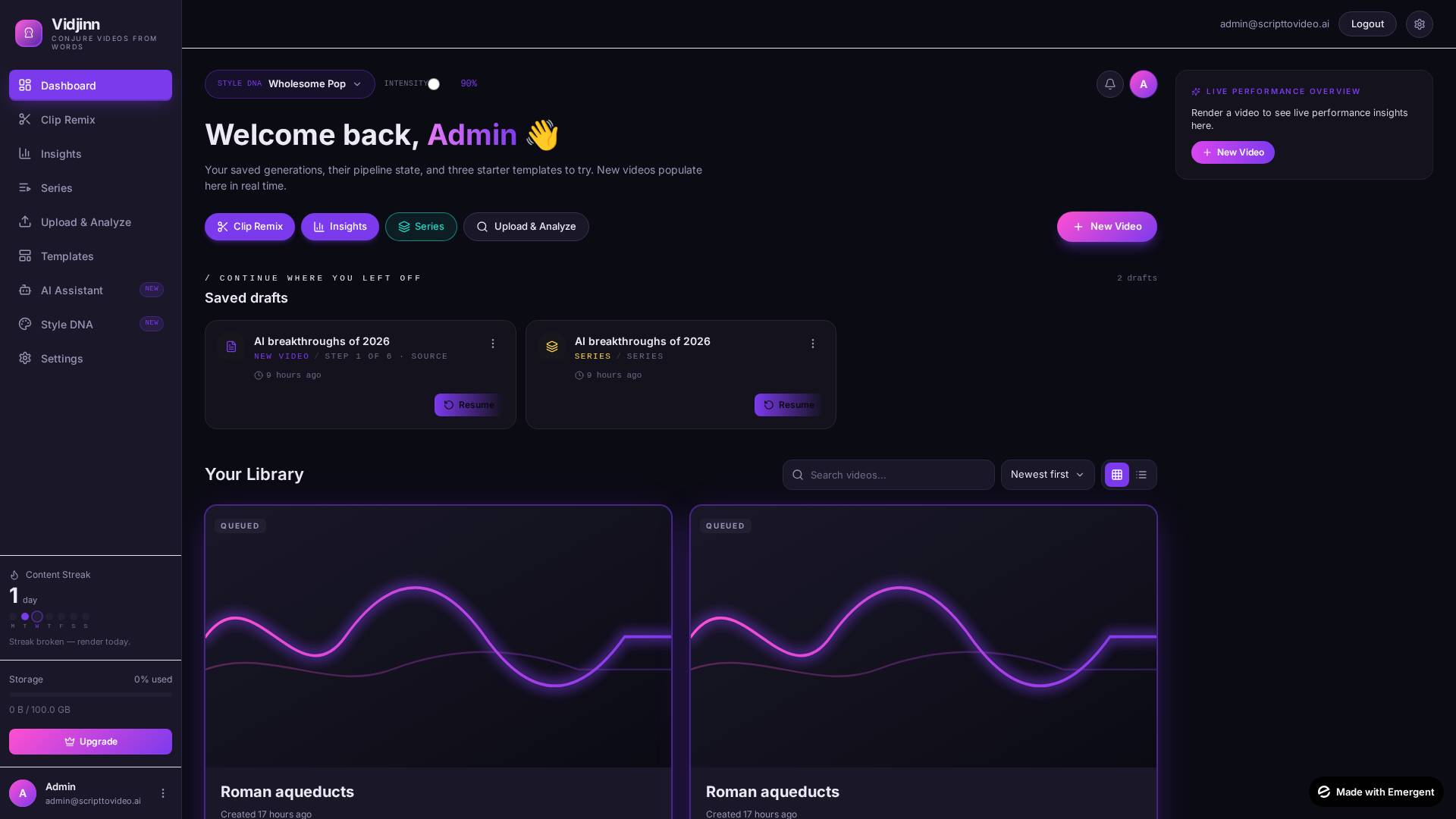
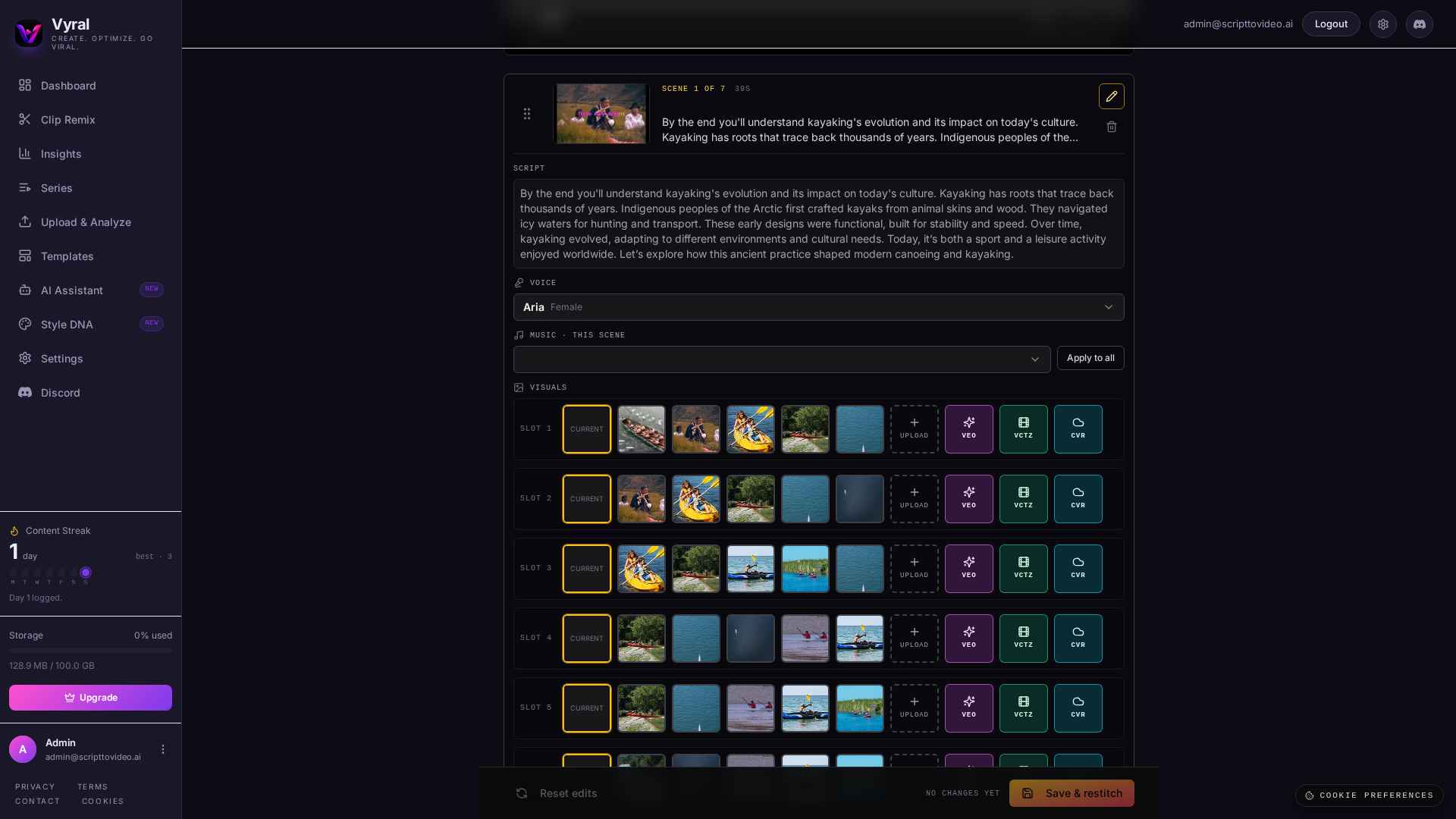
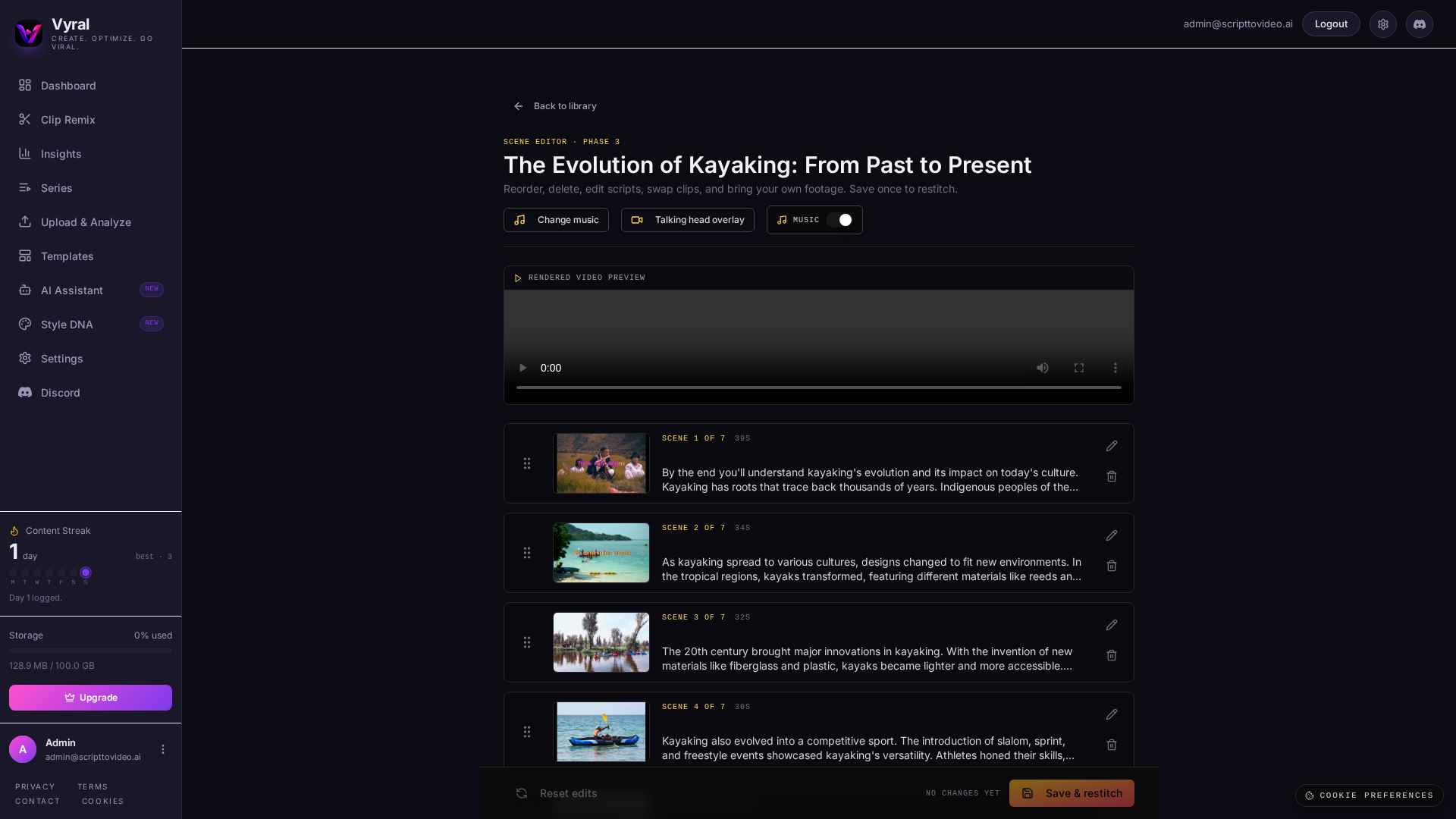
Script → narration → matched visuals → karaoke captions → ducked music. Done in a couple of minutes.
Live Performance Overview lands beside the MP4 — pick an insight, hit Apply, re-render only what changed.
Every AI-video tool optimises for a different shape of work — talking-head avatars, short generative clips, browser editing. Vyral optimises for predicted-performance scripting: render, score the retention curve, apply a fix, re-render. Here's an honest, citation-backed map of where each tool sits today.
Last verified: April 2026 · we won't fabricate ✓ marks
Ask in plain English. The Assistant pulls from your renders, hook scores, and retention curves to answer — and can spin up a fresh video, apply a suggested fix, or compare two takes right from the chat.
Sign up takes about 10 seconds. Your first render takes about 90.